My Disk Hit Zero and Froze the Laptop. The Phone SSH Setup Got Me Back In
A full disk froze my Linux laptop: dead mouse, dead keyboard, my self-hosted sites returning 500. The Tailscale and Termius setup from July still let me in over SSH, and I freed nearly 90 GB from my phone before a reboot.

In July I wrote about driving Claude Code from my phone over Tailscale and Termius. I pitched it as a comfort thing: resume a session from the couch, check a container from the train. This morning it was the only way into my own computer.
Less than 1 MB free
What happened? I woke up, walked past my desk on the way to the gym, and the screen was covered in warnings. Claude, Brave, a few others, all saying the same thing: less than 1 MB of free disk space, clean up if you want to keep using your apps.
Fair enough. I grabbed the mouse and the cursor didn’t move. Keyboard, nothing. The laptop was frozen.
This machine also hosts things. The blog you’re reading runs on it, and so does Forgemage.net, both going out through a Cloudflare Tunnel. I checked them on my phone: error 500 on both. Apps that can’t write their cache don’t serve pages.
Then the screen switched to the boot logo, as if the laptop were trying to restart the session. It stayed there. No login screen, no desktop, no way in from the keyboard.
The way in was still open
Could I still reach the machine? I remembered the July setup. Termius on the phone, tap the host, wait. It connected. A prompt, on a laptop whose own keyboard was dead.
I think I know why, though I didn’t dig further. A desktop session writes all the time (caches, logs, its own state), and with nothing left on the disk it couldn’t. An SSH login over Tailscale barely writes anything. tailscaled was still running, it answered, and bash started.
The first command confirmed the rest:
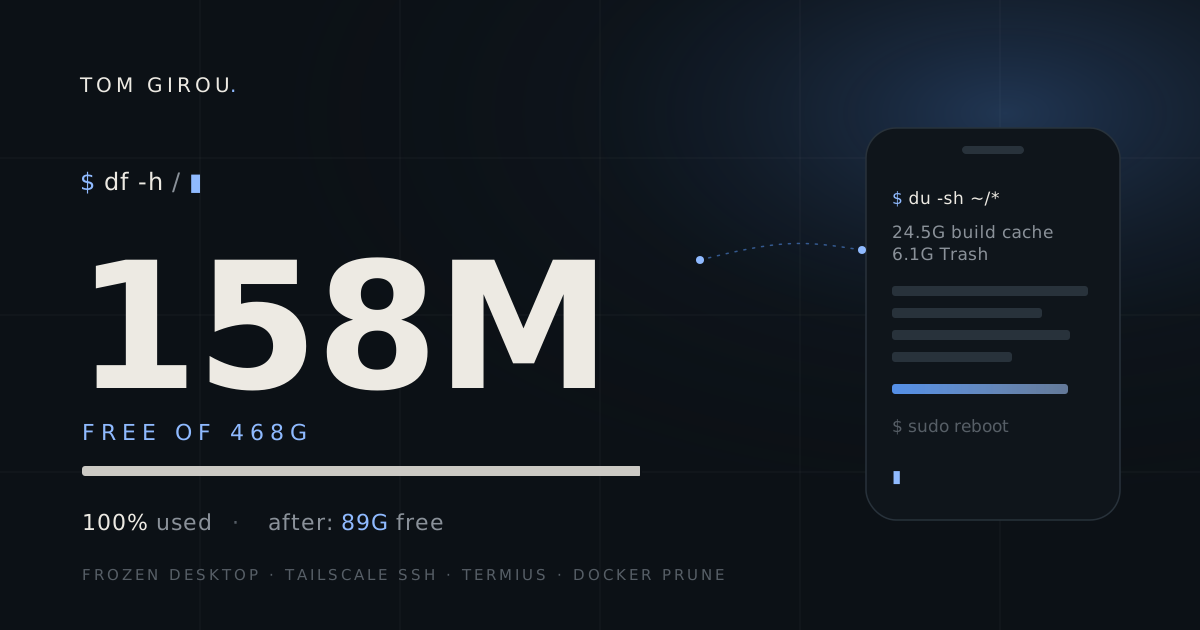
$ df -h /
Filesystem      Size  Used Avail Use% Mounted on
/dev/nvme0n1p2  468G  444G  158M 100% /
158 MB left on a 468 GB disk.
Cleaning from a phone keyboard
Where did the space go? A du over my home directory, sorted by size, then I went for what’s safe to delete without thinking twice:
- Docker build cache: 24.5 GB
- the Trash: 6.1 GB
~/.cache(JetBrains, Brave, Yarn, Composer and the rest): about 9 GB- anonymous Docker volumes: 0.4 GB
That alone brought the disk to 44 GB free.
Most of what was left in unused Docker volumes was databases, and dropping a database volume means re-importing a dump the next time I open that project. So I went through the list one by one and only deleted seven, all from projects I’m not working on anymore. Another 9.5 GB.
Then the second round: the Codeium cache, every git worktree whose ticket was already merged, agent logs older than a week, archives in my Downloads folder that I had already extracted, and the Trash again.
The worktrees took the most care. I keep one per ticket, and one client project alone had 38 of them. git fetch failed, because my SSH key isn’t loaded in a session opened from the phone, so I checked each ticket’s status in Jira instead and only removed the ones that were done, merged or deployed. Before deleting anything I saved every uncommitted diff into a 2.3 MB tarball, just in case. That was 35 worktrees, about 13 GB.
For the archives, I compared the file count in each zip with the extracted folder next to it. One folder had 10,579 files out of 23,108. That zip stayed.
Agent logs went from 3.1 GB to 789 MB. Codeium had 7.6 GB I’d forgotten about. And the system journal was about 4 GB on its own:
sudo journalctl --vacuum-size=200M
sudo apt clean
Rebooting from the phone
Did the reboot work? With the disk breathing again, I typed sudo reboot and watched the SSH session drop. Then I waited, phone in hand, not sure what I’d get.
At 08:45 the laptop showed the login screen, with a working keyboard and a working mouse. The blog and Forgemage.net came back with their containers. df now says 89 GB free, from 158 MB.
Second time in ten days
Why did the disk fill up? This wasn’t the first warning. On November 4 I had already cleaned the disk because it was full. Nine days later it was full again, and this time badly enough to take the desktop down.
So it isn’t bad luck. Docker builds all day, an agent pipeline writing logs around the clock and a fresh worktree for every ticket fill 468 GB faster than I’d have guessed. The fixes are boring, and I should have set them up in July. The journal cap is one command:
sudo sed -i 's/^#\?SystemMaxUse=.*/SystemMaxUse=200M/' /etc/systemd/journald.conf
sudo systemctl restart systemd-journald
The rest is a weekly docker builder prune, a cron that deletes old agent logs, removing the worktree when its merge request is merged, and an alert on my phone well before 100%, while the apps are still running.
What I take from it
Was the phone setup worth it? I set it up for comfort. Today it was the recovery path. The desktop was gone and the keyboard was dead, but the SSH daemon kept answering because it needs almost nothing to run. I didn’t plan for that.
Half an hour of cleanup on a phone keyboard isn’t fun. It still beats unscrewing the laptop to pull the drive, or reinstalling from a USB stick before my first coffee.
Now I’m going to the gym. Late.